Find any screenshot.
Search by the words in a screenshot or how it looked.
Everything runs on your Mac.
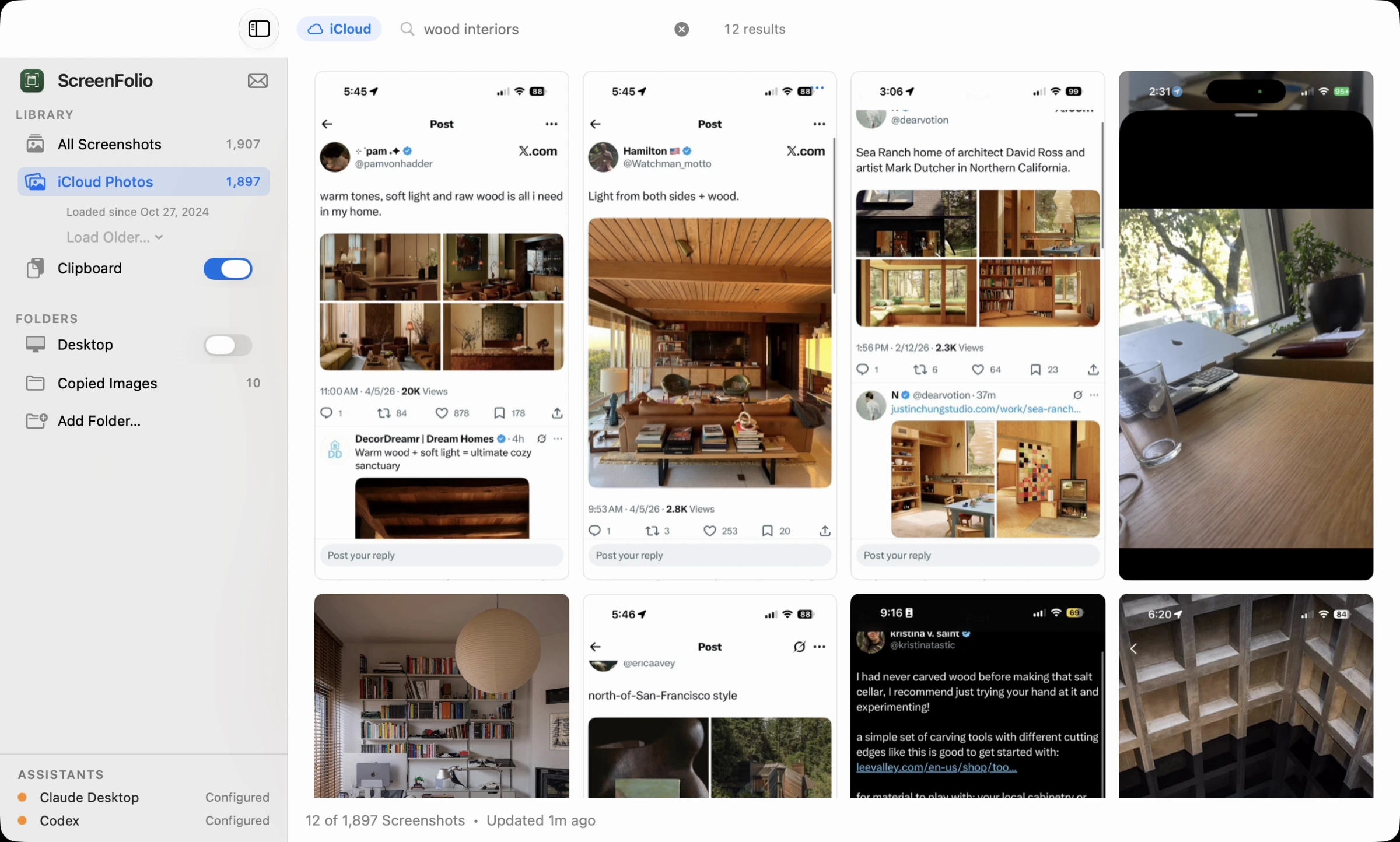
Works with the screenshots you already have.

Screenshots from iCloud Photos
Find screenshots from your iPhone and iPad alongside the ones from your Mac. ScreenFolio only reads screenshots from iCloud Photos, not your other photos or videos.
Folders on your Mac
Choose your Desktop or any screenshot folder. New screenshots are added as you take them. If you turn on Desktop, ScreenFolio asks before moving loose screenshots into Desktop/Screenshots.
One screenshot leads to another.
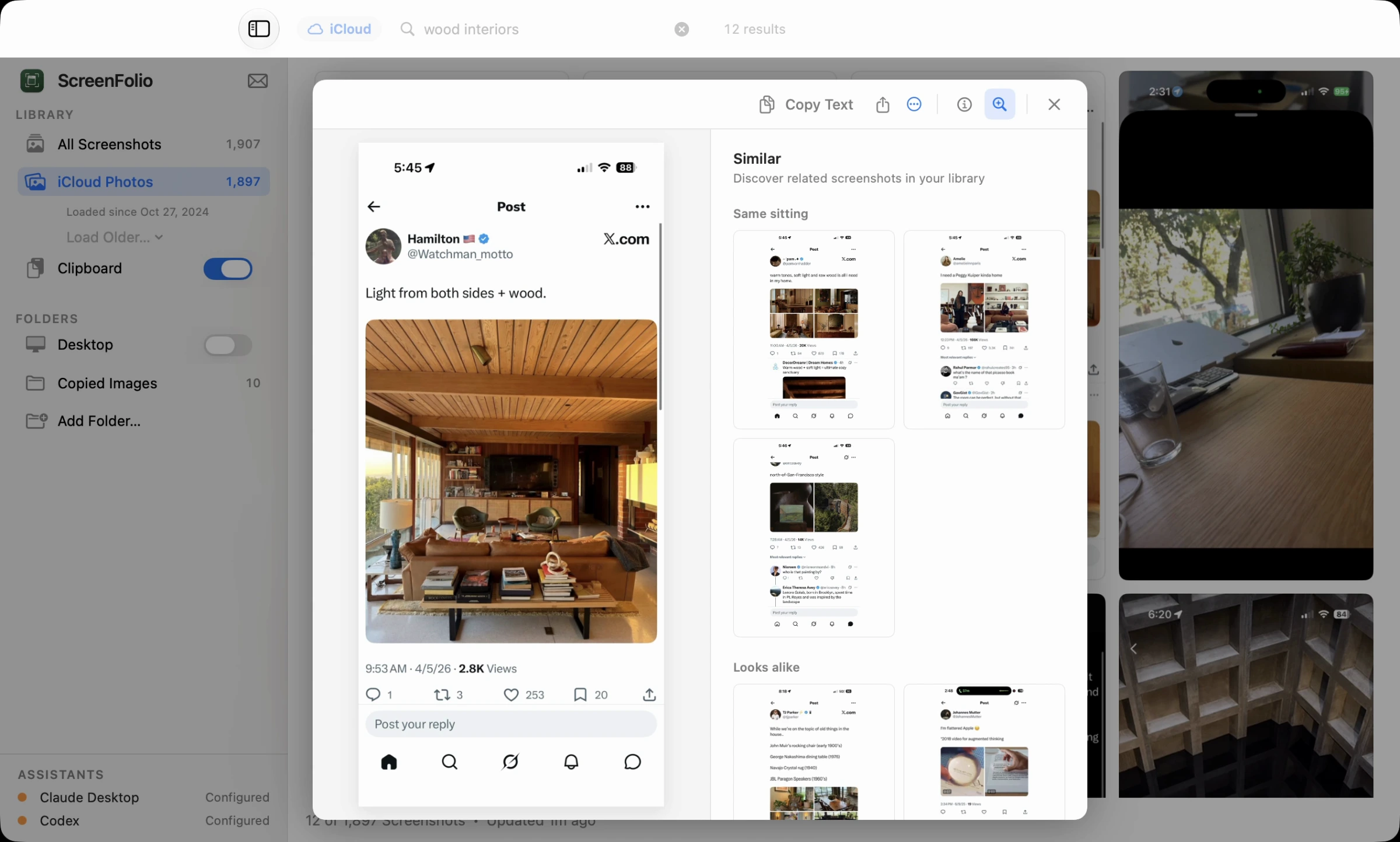
Open a screenshot for a closer look. Browse nearby captures, or explore the Similar panel for screenshots from the same sitting and ones that look alike.
Search runs on your Mac.
ScreenFolio reads, indexes and searches your screenshots on your Mac. It never uploads your library to make search work, and there’s no account to create. Connecting an assistant is a separate, optional choice.
- Local models
- Text reading and image understanding run on Apple Silicon.
- No cloud library
- Your screenshot files remain in Photos or on your Mac. Search does not upload your library.
- Hide anything
- Hidden screenshots stay out of search until you bring them back.
- Assistant access is optional
- After you approve a connection, an assistant can request screenshot text and details while connected.
Ask your AI assistant about your screenshots.
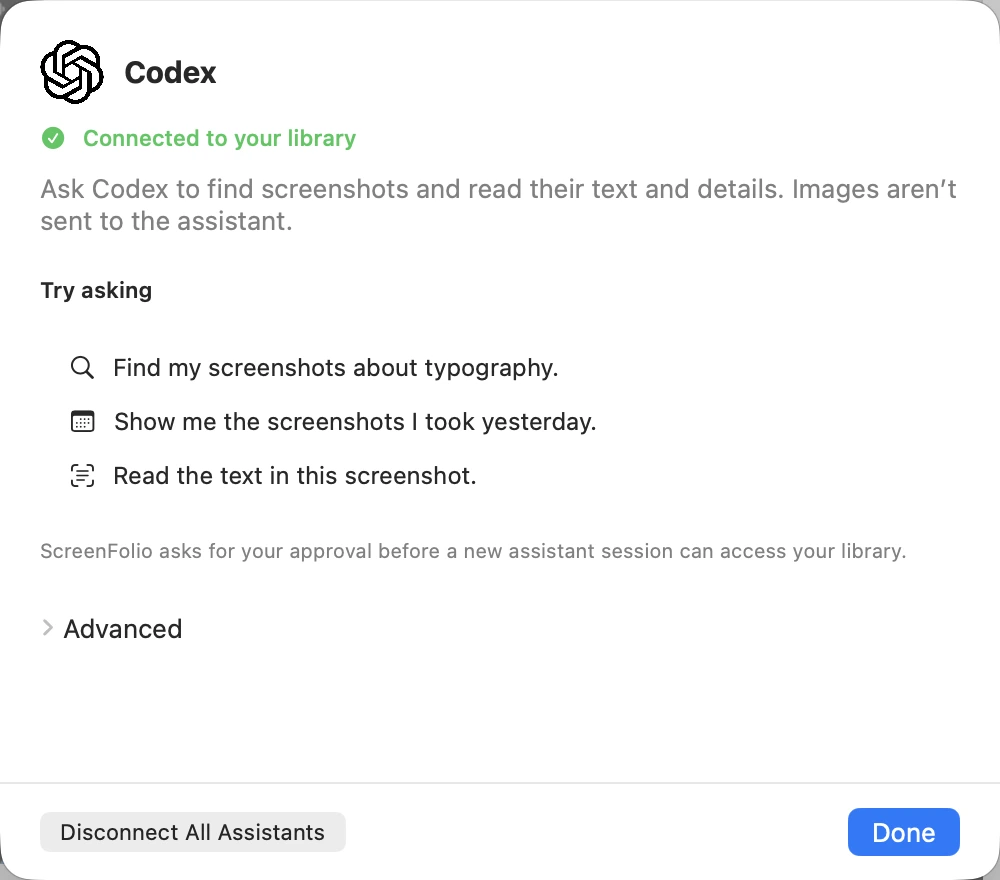
Connect Claude Desktop or Codex when you choose. After you approve the connection, the assistant can search and request screenshot text and details. Opening a result shows the image in ScreenFolio on your Mac; the integration doesn’t send the image to the assistant.
How assistant connections work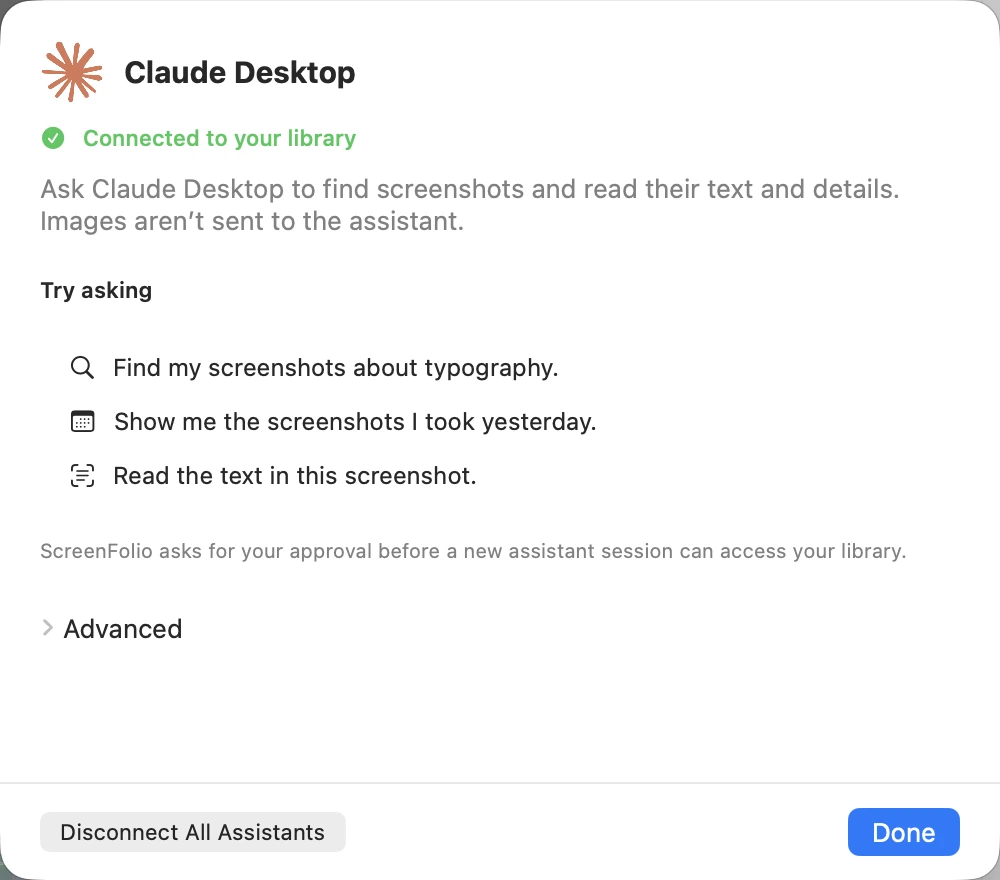
Questions
- Which Macs does it run on?
- Macs with Apple Silicon running macOS 26 or later.
- Does it upload my screenshots?
- Search stays on your Mac; ScreenFolio doesn’t upload your screenshot library. If you connect Claude or Codex, they can receive requested text and details. Read the privacy policy.
- Will it change my Photos library or files?
- Only when you choose an action. Turning on Desktop can move loose Desktop screenshots into Desktop/Screenshots after a preview and your confirmation. Deleting a screenshot also asks for confirmation.
- How long does setup take?
- A few minutes to download the search models, then ScreenFolio reads your screenshots in the background. You can search while it works.